+8615820889696
 Info@cowint.com



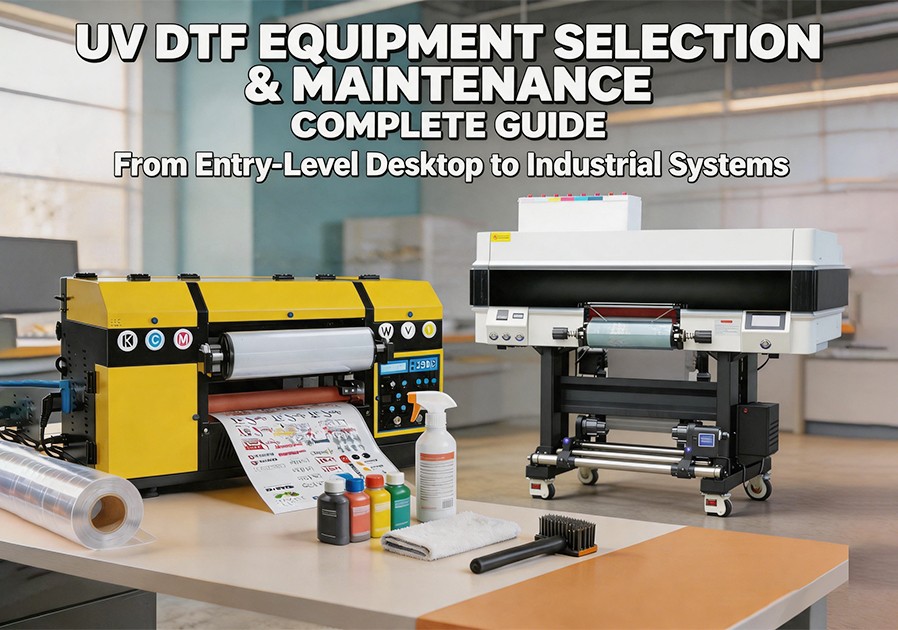
Introduction: In the UV DTF world, your printer is not just an output device—it’s the heart of your entire customization business ecosystem.
Facing the overwhelming range of UV DTF machines on the market, from affordable A4 desktop entry-level units to six-figure roll-to-roll wide-format systems, choosing equipment that serves both current business needs and future growth requires careful consideration. This article explores UV DTF equipment selection criteria, core configuration options, and systematic daily maintenance strategies.
1. UV DTF Printer Market Landscape in 2026
The 2026 UV DTF market clearly segments into three product lines. Entry-level desktop systems (5,000–12,000) feature 1–3 industrial-grade Epson i3200 printheads—stable and reliable, serving as the workhorse for most SME operators. Industrial wide-format roll-to-roll systems ($12,000–40,000+) feature 4+ Epson i3200 industrial printheads with high automation capable of handling hundreds of units daily.
2. Core Selection Criteria: Extracting Value from Specifications
Printhead Type. The printhead is the UV DTF printer‘s primary core component. Industrial-grade Epson i3200 series printheads, especially the i3200-U1 variant, deliver significantly longer service life with stable support for tens of thousands of industrial operational hours. Entry-level systems often use Epson XP600 series—lower cost but with proportionally shorter operational lifespan. Premium 2026 UV DTF printers are universally equipped with industrial-grade Epson i3200 or newer printhead technologies, with resolution elevated to new heights.
Width Capacity. Desktop A4 width suits beginner confidence-building but quickly becomes a daily capacity bottleneck. Mid-range A3 to 24-inch width supports simultaneous gang-sheet layout for small products, dramatically improving efficiency. Industrial 30–60+ cm wide-format systems suit large-scale batch production【29†L27-L29】.
Ink Channels and White Ink Management. Beyond standard CMYK four-color, equipment must print high-opacity white ink underbase—only then can color designs achieve their essence on dark substrates. White ink print quality directly determines final appearance on dark-colored materials. Premium UV printers also include varnish channels, adding gloss and texture when printing on reverse sides of transparent items.
UV Curing System. Efficient LED UV curing lamps are strongly preferred. LED lamps offer longer lifespan (typically exceeding 20,000 hours), lower power consumption, and ”cold source“ curing without high heat, making them ideal for heat-sensitive plastics, wood, and similar materials.
RIP Software and Color Management. Professional RIP (Raster Image Processor) software is the brain of the UV DTF printer. No matter the hardware’s power, without proper RIP handling of CMYK+White+Varnish layering mapping, professional-grade samples remain unachievable. Ensure suppliers provide complete RIP-licensed configurations and base ICC color profiles for your selected ink and target substrates.
3. UV DTF Printer Daily Maintenance and Printhead Troubleshooting
UV DTF printers require temperature control between 18–28°C, stable humidity at 40–60%, and a clean printer environment—these are the foundations of long-term stable operation.
White UV ink, containing high concentrations of titanium dioxide particles, carries the highest settling risk. Even during idle periods, run the printer‘s white ink circulation system (if equipped) or manually shake cartridges every 3–5 days to prevent pigment agglomeration and line blockages.
Here are several common faults with corresponding troubleshooting steps:
Symptom A: Broken lines or color mixing on printed test patterns. Check sufficient ink levels, check for air bubbles in tubing, run one light cleaning cycle, and carefully inspect waste ink pad and wiper blade cleanliness. If broken lines persist severely, contact the seller to follow deep cleaning procedures documented in the system manual.
Symptom B: Poor UV ink adhesion or low scratch resistance after transfer. Check UV LED lamp power output for degradation or aging, verify that the selected AB film and UV ink match the target material, and confirm that the white ink layer is not excessively thick—overly thick white layers severely compromise cross-linking curing between top colors and adhesive layer.
Symptom C: Paper/film jamming or feeding misalignment. Check for ink residue on pinch rollers, use a lint-free cloth lightly dampened with specialty cleaning solution to wipe roller rubber surfaces, then perform one paper-feed sensor cleaning or alignment calibration.