+8615820889696
 Info@cowint.com



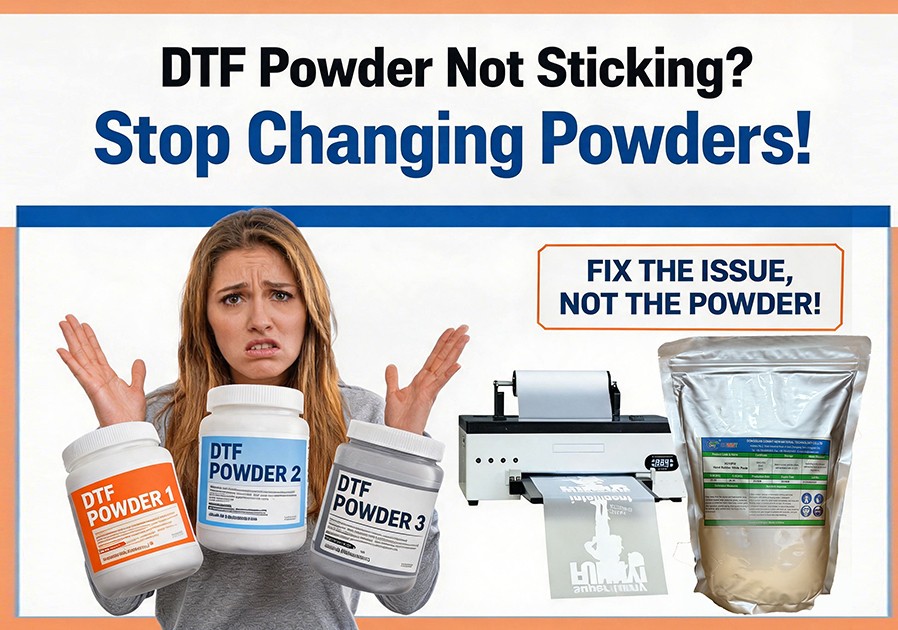
DTF powder not sticking is one of the most common and frustrating problems in the industry. Many people's first reaction is to change powders, but in reality, less than 10% of powder adhesion issues are caused by the powder itself. The vast majority of problems stem from errors in printing, powder application, curing, or heat pressing.
Two Main Types of Powder Adhesion Problems and How to Tell Them Apart
Before troubleshooting, first determine which type of problem you're experiencing:
Type 1: Powder Doesn't Stick to the FilmSymptoms:
Powder falls off completely with a gentle shake, or only sticks to partial areasCommon causes: Over-dried ink, wrong film orientation, static issues
Type 2: Powder Sticks to Film but Not to Garment After Pressing
Symptoms:Powder looks good on the film, but the design partially or completely lifts after heat pressingCommon causes: Under-curing, incorrect heat press settings, fabric issues
Systematic Troubleshooting Process
Step 1: Check Ink Condition
This is the most common yet most overlooked cause. Powder only sticks to wet ink.
Ensure powder is applied within 60 seconds of printing
Check for clogged printheads causing insufficient ink output
Don't print too thick an ink layer—this causes surface drying while the interior remains wet
Step 2: Verify Correct Film Usage
Ensure you're printing on the coated side (usually the matte side)
Check if the film is expired or moisture-damaged
Different film and powder brands have varying compatibility—try to use matching products from the same brand
Step 3: Optimize Powder Application
Powder must evenly cover the entire printed area with no gaps
Gently tap the back of the film after powdering to remove excess
Use the correct particle size: 80-100 mesh for standard printing, 100-120 mesh for fine detail
Step 4: Inspect Curing Process
This is the primary cause of Type 2 problems.
Curing temperature: 160-170°C (320-338°F)
Curing time: 2-3 minutes (adjust based on film thickness)
Properly cured powder should look smooth and glossy, not powdery or granular
Use an infrared thermometer to check your oven's actual temperature—don't trust the display
Step 5: Adjust Heat Press Settings
Temperature: 150-160°C (302-320°F)
Time: 12-15 seconds
Pressure: Medium to firm (should require noticeable effort to close the press)
Pre-press garments for 3-5 seconds before applying transfer to remove moisture and wrinkles
Step 6: Rule Out Fabric Issues
Some waterproof or coated fabrics resist powder adhesion
Dark fabrics may require more white ink and powder
Always test new fabrics first
Ultimate Test Method
If you still can't identify the problem, perform this simple test:
1.Print two identical designs on the same sheet of film
2.Process the first design using your current workflow
3.Manually apply powder to the second design using a brush for even coverage
4.Cure and press both designs under identical conditions
5.Compare results: If both are bad, the problem is in curing or pressing; if only the second is good, the problem is in your powder application process
Remember, DTF is a systematic project. Even the slightest change in any part can affect the final outcome. Systematically identifying and resolving problems is much more effective than blindly replacing consumables.