+8615820889696
 Info@cowint.com



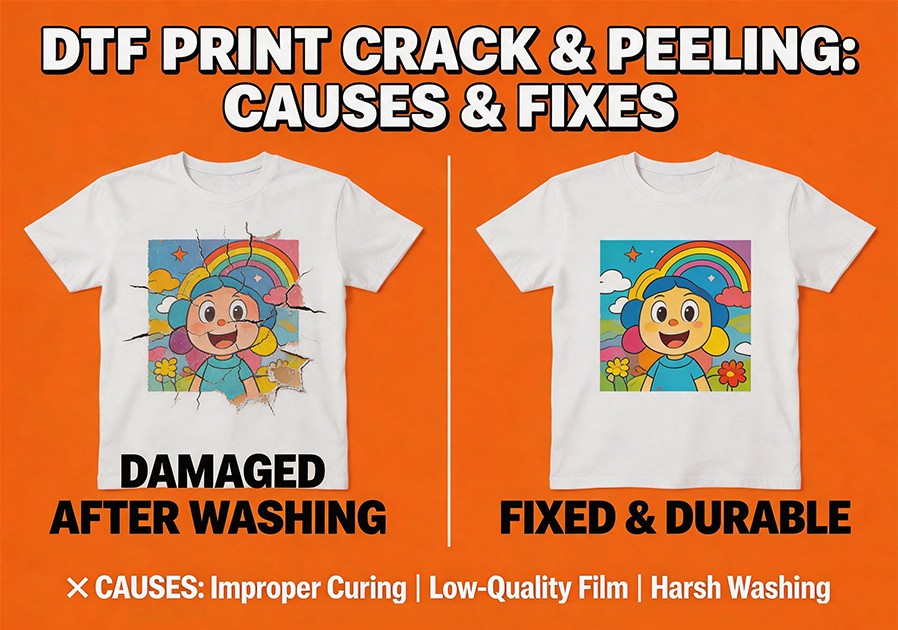
Introduction: Your DTF print looked perfect coming off the heat press. Then your customer washed it once and the edges started lifting. Or after three washes, fine cracks appeared across the design. This is one of the most common frustrations searched by DTF users—and the answers are often hiding in places you‘d least expect.
A properly applied DTF transfer should survive 50 or more wash cycles without cracking, fading, or peeling. When it fails before that, something went wrong in the process. And the fix is almost always systematic. This guide covers every reason DTF peeling happens, why transfers fail to stick, and exactly what to change—organized by the root cause.
1. The Four Systems Behind Peeling and Cracking
System 1: Heat Application — Temperature, Time, Pressure. The cause behind more than half of all DTF peeling failures. DTF adhesive powder is a TPU (thermoplastic polyurethane) material requiring specific temperature to melt into fabric. Too low → powder sits on fiber surface → fails after washing. Too high → powder becomes brittle → cracks under stretch.
Standard DTF temperature and time: 305–325°F (152–163°C) for 10–15 seconds for most fabrics. But your heat press‘s actual temperature likely differs from the display by 10–30°F. A contact thermometer is the only way to know for sure.
System 2: Peel Execution — Hot vs Cold Peel, Speed, and Second Press. Using the wrong peel method is the most common peel-related mistake. Cold peel film must cool completely before removal—peeling warm destabilizes the adhesive. Hot peel film should be peeled immediately. Always roll the film back slowly at a flat angle rather than pulling perpendicular.
Second Press — Not Optional, It‘s Required. After peeling, cover the print with parchment paper and press for 5–10 seconds at the same temperature. This fully cures the adhesive layer, preventing future cracking, fading, or lifting. Professional-level wash durability depends on this step.
System 3: Consumable Quality — Film Coating, Powder Formulation, Ink System. Inconsistent film coatings or low-grade powders are failures no heat press setting can fix. Generic film with uneven coating causes random adhesion failures. Choose powders with batch consistency verification, matching test data, and known melting points.
System 4: Substrate and Aftercare — Fabric Type, Surface Condition, Washing Method. Even perfect heat press settings fail on pre-moistened fabric, fabric with chemical finishes, or fabric with lint. Pre-press garments to remove moisture and residues before transfer. Over 90% of post-wash edge lifting traces back to improper washing—hot water, not turning inside out, high dryer heat. Provide customer care instructions: cold water, inside out, low dryer or air dry.
2. Systematic Troubleshooting Workflow
Verify actual heat press temperature — Use contact thermometer to measure platen surface.
Check fabric preparation — Pre-pressed to remove moisture and wrinkles?
Check powder curing — Powder fully melted to transparent, not still white/grainy?
Confirm peel method — Hot peel or cold peel? Did you wait the appropriate cooling time?
Complete second press — Performed after peeling with parchment paper?
Check consumable batch — Same film roll, same powder batch—did last run succeed?
3. Symptom-Based Diagnostic Table
| Symptom | Possible Cause | Fix |
|---|---|---|
| Print peels cleanly from fabric, minimal ink left | Temperature too low | Verify actual temp with contact thermometer; increase to 305-325°F |
| Edges lifting, center still attached | Low temperature or uneven pressure | Increase pressure; check platen levelness |
| Cracking in high-stretch areas | Temperature too high, powder brittle | Reduce temperature to 305-325°F range |
| Random adhesion failures | Inconsistent consumable quality | Switch to verified, batch-consistent consumables |
| Peeling only after washing | Improper washing or missing second press | Provide care instructions; always perform second press |
| Film difficult to peel | Wrong peel timing or insufficient temperature | Cold peel→cool completely; Hot peel→peel immediately |