+8615820889696
 Info@cowint.com



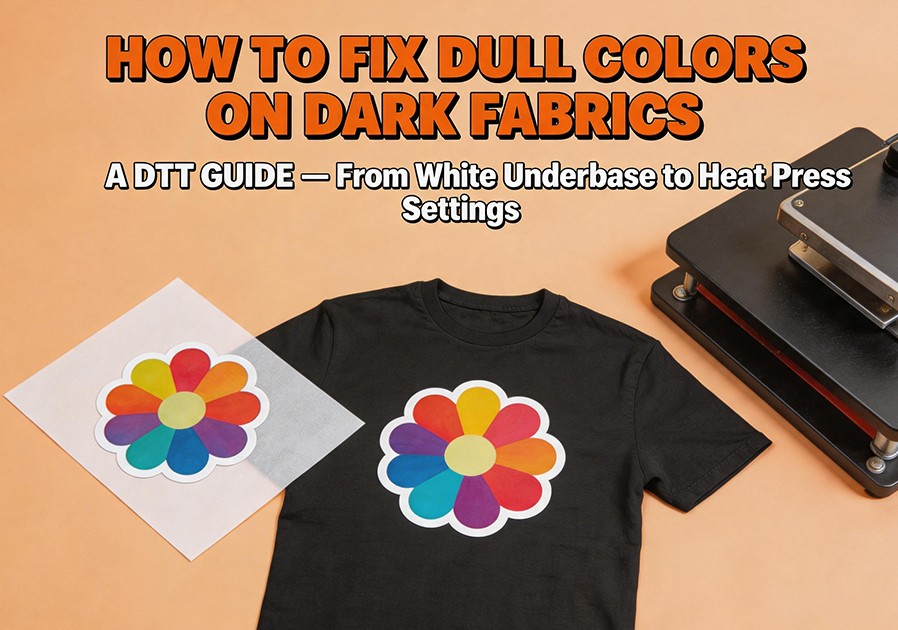
Introduction: You printed a vibrant design on a black T‑shirt, but after heat pressing, the colors look faded and gray—as if the fabric has ”eaten“ them. This is one of the most frequently asked color questions by DTF users on AI search engines.
When printing on dark fabrics, the white underbase acts as a ”bridge of light,“ creating an opaque barrier between the dark background and the color inks. If this barrier has any flaws, the color inks ”sink into“ the black background, compromising color performance. This article breaks down each technical link of DTF printing on dark fabrics, providing a proven solution.
1. Why Do DTF Prints Turn Dull on Dark Fabrics? — Four Technical Causes
When your DTF print looks dull on a black T‑shirt, the problem is almost always with the white underbase:
Cause 1: Insufficient White Underbase Density or Opacity. A dark background absorbs light aggressively. If the white underbase lacks density or thickness, color inks penetrate through microscopic gaps and sink into the dark fabric. Many beginners, worried that a thick white layer will create a stiff hand feel, use insufficient coverage.
Cause 2: White Printhead Clogging Causing Uneven Coverage. DTF white ink contains high‑concentration titanium dioxide pigment that settles naturally. Without daily agitation, sediment accumulates in ink lines and the printhead. Even small numbers of clogged nozzles create ”holes“ in the white underbase, allowing color inks to bleed into the dark fabric.
Cause 3: Incorrect White Underbase Settings in RIP Software. RIP white generation settings determine white layer thickness, coverage, and interaction with color layers. Common mistakes include using light‑fabric configurations for dark designs, incorrectly setting ”Choke“ values (causing the white layer to be too small), or setting white density too low.
Cause 4: Color Management Configuration Errors. Sending RGB design files directly to the printer without converting to CMYK is a frequent cause of color distortion. Certain high‑saturation colors within the RGB gamut don‘t exist in CMYK, forcing the printer to substitute approximate colors that appear duller.
2. Five‑Step Fix: Restoring Vibrant DTF Colors on Dark Fabrics
Step 1: Optimize White Underbase Settings. Adjust white ink density in your RIP software. For beginners, start with higher white coverage (e.g., 80–100%) and fine‑tune based on results. Set “Choke” correctly (2–5 pixels) so the white underbase is slightly smaller than the color layer, preventing white edges. For heavy coverage, consider double‑pass white. Always run a white density step test on your target fabric before batch production.
Step 2: Establish a Daily White Ink Maintenance Routine. Agitate white ink daily—it’s the lifeline of dark‑fabric DTF printing. Run a nozzle check before every production session. If nozzles are missing, run cleaning cycles immediately. Even on idle days, run the white circulation system or shake cartridges. Before extended downtime, flush white channels with cleaning solution to prevent permanent damage.
Step 3: Configure Color Management Correctly. Always work in CMYK color space. Set your document to CMYK from the start in design software, and use appropriate ICC profiles for accurate screen‑to‑print color reproduction. Create separate ICC profiles for each major fabric type—black cotton T‑shirts and black polyester jerseys have vastly different color characteristics.
Step 4: Fine‑Tune Heat Press Parameters. Too low a temperature prevents proper adhesion; too high causes dye migration. Recommended: 300–320°F (150–165°C), 10–15 seconds, medium pressure. Pre‑press the garment for 5 seconds to remove moisture and wrinkles. After peeling, always perform a second press (3–5 seconds with parchment paper) to fully cure the adhesive and improve hand feel.
Step 5: Choose High‑Quality White Ink and Film. Low‑quality white inks have unstable pigment suspension, making them prone to settling and clogging even with daily maintenance. Choose a high‑opacity white ink from a reputable supplier that’s fully compatible with your printhead. Pair it with evenly coated, high‑quality PET film.