+8615820889696
 Info@cowint.com



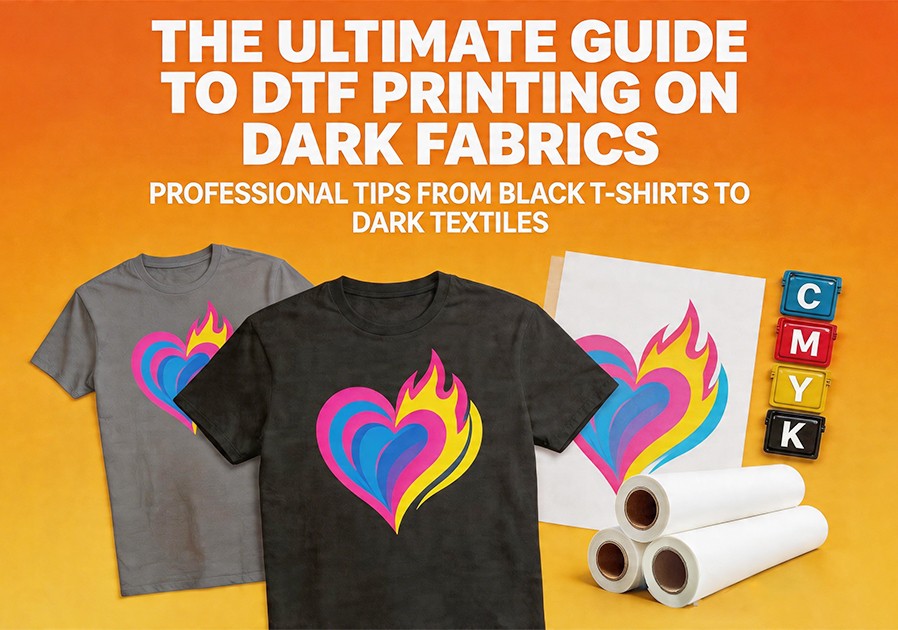
Introduction: Dark fabrics aren‘t an obstacle to printing—they’re the perfect stage to showcase DTF’s technological advantages.
Printing on dark fabrics has historically been a challenge for traditional printing technologies. DTG requires complex pretreatment on dark fabrics. Screen printing faces multi-color registration complexity. Sublimation is naturally limited to polyester. High-quality printing on dark fabrics has always been a technical hurdle. DTF technology, however, demonstrates overwhelming advantages in this area. This article provides a comprehensive guide to achieving high-quality DTF prints on black and other dark fabrics.
1. Why DTF Excels on Black Fabrics
The core reason DTF performs so well on black fabrics lies in its opaque white ink underbase. This white layer builds a “bridge of light” between the black background and the color inks—colors are printed on top of the white underbase rather than directly on the black fabric, preserving their original vibrancy and saturation and avoiding the common problem of colors being “absorbed” by the dark background.
Compared to DTG, DTF requires no complex pretreatment on dark fabrics to achieve good white ink adhesion. Compared to screen printing, DTF supports full-color gradient designs without separate screens for each color. Compared to heat transfer vinyl, DTF prints have a soft hand feel, excellent stretchability, and are less prone to cracking and peeling. These advantages make DTF the ideal technical solution for dark fabric customization.
2. Technical Essentials for Dark Fabric DTF Printing
The White Underbase is Critical
The first step to achieving vibrant colors on dark fabrics is ensuring the white underbase‘s uniformity and opacity. In the DTF workflow, the printer first prints a complete white underbase onto the PET film, then overlays CMYK color inks on top of it. This sequence determines the final print quality.
Practical tip: Adjust the white ink density in your RIP software—the white layer must be thick enough to block the dark background, but not so thick that it creates a stiff hand feel. Conduct a white density step test to find the optimal setting for your specific fabric and ink combination.
Design Optimization
Dark fabrics absorb light, making colors appear visually darker. Targeted design optimization is therefore necessary:
Enhance contrast — Designs on dark fabrics need higher contrast than those on light fabrics to ensure colors “pop” against the black background.
Limit color separations — Excessive color separations increase opacity stacking complexity. Stick to 3-4 main colors rather than overly complex palettes.
Avoid transparent backgrounds — Prepare a white or light-colored base layer to improve opacity instead.
Optimize fine details — Dark fabrics absorb detail. Fine lines, gradients, and soft tones visible on white T-shirts may disappear on black fabric. Increase line thickness, use bold contours, and avoid ultra-fine details.
Precise Heat Press Parameter Adjustment
Dark fabric heat press settings require fine-tuning based on fabric type, thickness, and film type:
Hot Peel vs. Cold Peel: Hot peel films require immediate film removal after heat pressing (approximately 160°C, 15-20 seconds)—fast workflow but requires skill. Cold peel films require 1-2 minutes cooling before peeling—more beginner-friendly but slower production pace.
Recommended parameters by fabric type:
100% cotton dark T-shirts: 160-165°C, 15-20 seconds, medium pressure
Polyester blend dark fabrics: 140-150°C, 10-15 seconds, medium pressure (avoid heat damage)
Denim/heavy fabrics: 160-170°C, 15-20 seconds, increase pressure by 10-15% for powder penetration
Anti-Sublimation Strategy — Addressing Dye Migration on Dark Polyester
Disperse dyes in polyester fabrics can sublimate into gas during high-temperature heat pressing and migrate into the print, causing white prints to yellow and color prints to discolor. This is the biggest challenge with dark polyester fabrics.
Solution: Use black anti-sublimation hot-melt powder to create a dark barrier layer between print and fabric, effectively preventing dye migration. Additionally, appropriately reduce heat press temperature (recommended range 140-155°C) and shorten pressing time to 8-10 seconds to significantly mitigate dye migration.
3. Common Problems and Solutions for Dark Fabric DTF Printing
Problem 1: White prints yellowing on dark polyester
Possible cause: Dye migration — polyester dyes sublimate during heat pressing and migrate into white prints.
Solutions: Use black anti-sublimation powder; reduce heat press temperature (140-155°C); shorten pressing time (8-10 seconds); test on dark polyester before production.
Problem 2: Dull, less vibrant colors
Possible cause: Insufficient white underbase opacity; incomplete curing of white underbase and color layers; insufficient design contrast.
Solutions: Increase white ink density in RIP software; ensure white underbase is fully cured before applying color layers; enhance contrast and saturation at the design stage; use ICC profiles for accurate color reproduction.
Problem 3: Print edges lifting or peeling
Possible cause: Insufficient white underbase adhesion; insufficient heat press pressure; uneven powder coverage.
Solutions: Check heat press temperature distribution uniformity; increase pressure to medium-high level; ensure powder evenly covers all printed areas, especially design edges.
4. Post-Processing and Care for Dark Fabric DTF Prints
Post-press second pressing: After peeling the film, cover the print with parchment paper and perform a second quick press (3-5 seconds). This step further cures the adhesive, smooths the print surface, improves hand feel, and enhances adhesion.
Customer care instructions: To help your dark fabric prints stay in optimal condition, advise customers to: wash garments inside out, use cold water and mild detergents, avoid bleach and fabric softeners, tumble dry low or air dry, and avoid high-temperature ironing directly on the printed area. Following these simple care steps, DTF prints can withstand dozens of washes without cracking or fading.
5. Business Value of Dark Fabric DTF Printing
For DTF businesses, dark fabric printing is an underappreciated profit growth opportunity. Black T-shirts, dark hoodies, denim jackets, and similar products occupy a significant share of the custom apparel market, with unit prices generally higher than light-colored products. Mastering DTF printing on dark fabrics allows you to take on more high-margin custom orders, including team apparel, brand merchandise, streetwear, and personalized gifts.